Inventory configurations
-> Available from ALIX 11.24.0. How do I find out the current version?
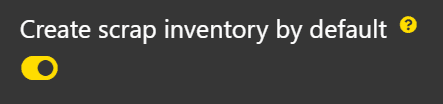
Create scrap inventory by default
It is possible to choose whether scrapping a production creates a separate scrap inventory by default or if the scrap is simply deducted without creating an inventory. This configuration sets the default for all items. Each item can customize this value in its Inventory tab.
- In Settings, go to the Settings, Configurations section, then Inventory.
- Enable or disable the Create scrap inventory by default configuration.
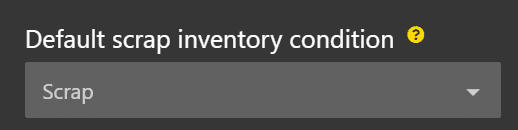
Default scrap inventory condition
Defines the inventory condition automatically applied to scrap inventories created during production. The list contains active inventory conditions. Each item can customize this value in its Inventory tab.
- In Settings, go to the Settings, Configurations section, then Inventory.
- Select the desired condition in the Default scrap inventory condition field.
Print scrap label by default
It is possible to automatically print a label when a scrap inventory is created. This configuration sets the default for all items. Each item can customize this value in its Inventory tab.
- In Settings, go to the Settings, Configurations section, then Inventory.
- Enable or disable the Print scrap label by default configuration.
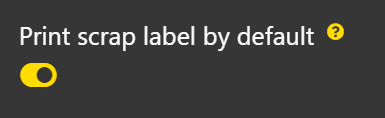
Note: this configuration only takes effect if Create a scrap inventory by default is enabled. Without a scrap inventory, no label is generated.