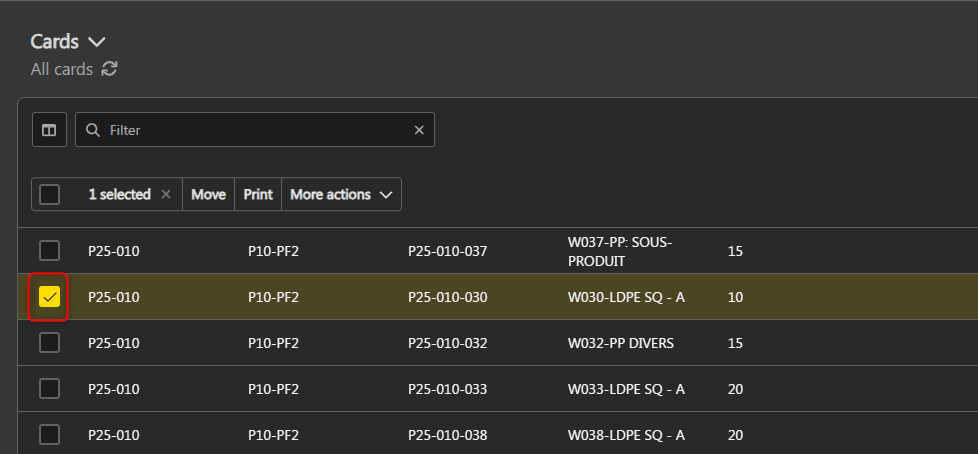
It is possible to group cards to facilitate batch actions.
Note: the group and ungroup card actions are also possible in the operations board.
Check out the rules for grouping cards here.
Group cards #
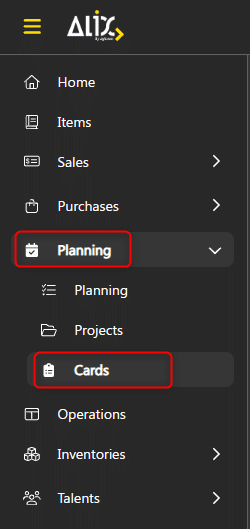
- From the menu on the left, choose Planning -> Cards.

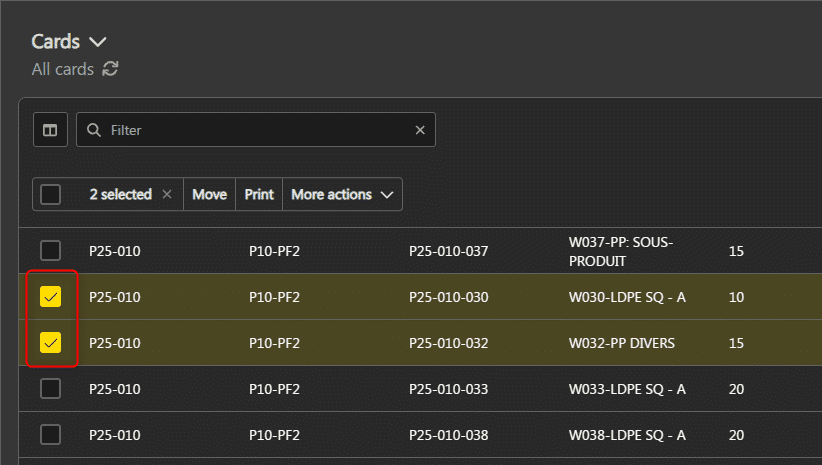
- Select at least 2 cards in the same waiting step.

- Click More actions at the top left, then Group.


Perform an action on the group #
When you select at least one card belonging to a group, the action performed will be applied on all cards in the group, except printing.

Ungroup cards #
- From the menu on the left, choose Planning -> Cards.
- Select at least one card from the desired group.

- Click More Actions at the top left, then click Ungroup.