Add/edit a checklist #
- From the menu on the left, choose Inventories -> Goods receipts.

- Click on the desired receipt.
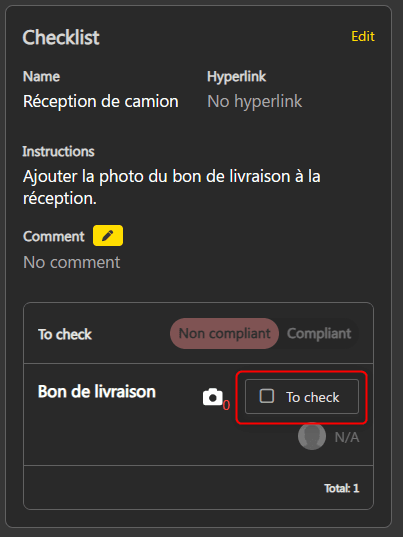
- The checklist is located on the right side of the screen.

- If a default checklist is configured, it will be added automatically when the receipt is created.
- It is possible to add a new list or remove the current list by clicking on Edit.


Check the list before receiving #
When receiving, if a checklist is present, it must be verified before the goods can be received.
- Check each item in the list.

- Once all items are checked, Non-compliant / Compliant is activated. Select the status of the goods after the checks.

- If desired, enter a comment in the field provided.

- When all the conditions on the checklist are met, the goods can be received, whether it is compliant or not, depending on the configuration of the list.